Helpful Guides for Teachers
|

|

|
|
|
Get Started Guide
First time users and installers should start here!
Get started
|
Merlyn Voice Commands
A list of the voice commands known by Merlyn
Learn more
|
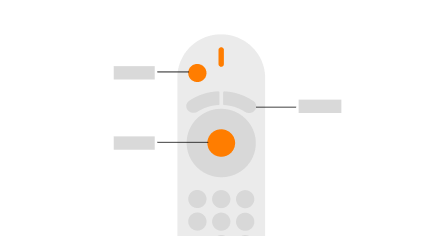
Remote Guide
How to use the Merlyn Remote. (AKA "What does this button do?")
View guide
|
|

|

|

|
|
Prepare for Daily Use
Set yourself up for daily success with Merlyn. Build shortcuts, reminders, and learn the most used features.
Learn more
|
Teacher Toolkit
Your home page for Merlyn tools such as Shortcuts, Reminders, Notes, Sessions, and more!
View Teacher Toolkit
|
Teacher Training
View tutorial videos to learn more about Merlyn
Learn more
|
What is Merlyn?
Merlyn is your AI classroom assistant that gives you back valuable teaching time by removing technology friction. With simple voice commands or a remote control, you can manage your classroom technology from anywhere in the room - no more being tethered to your computer. Merlyn automates everyday workflows, provides classroom-safe AI answers to student questions, and helps you create lesson plans faster, allowing you to focus on what matters most: connecting with your students and delivering engaging instruction.
Merlyn provides a tangible ROI on your classroom technology investments by removing the barriers that prevent teachers from fully utilizing digital tools. Teachers using Merlyn spend less time on administrative tasks and experience reduced technology-related stress, resulting in more effective teaching time. Unlike generic AI solutions, Merlyn is purpose-built for education with classroom-safe content controls, FERPA/COPPA compliance, and seamless integration with your existing systems like Canvas and Google Classroom. By empowering teachers with this voice-controlled AI assistant, you've invested in both teacher satisfaction and improved learning outcomes.

Comments
0 comments
Article is closed for comments.